Let’s start our journey in Fabrikod by exploring the home page.

To access Fabrikod Editor (1), registration is required. If you haven’t registered yet, you’ll be prompted to register.

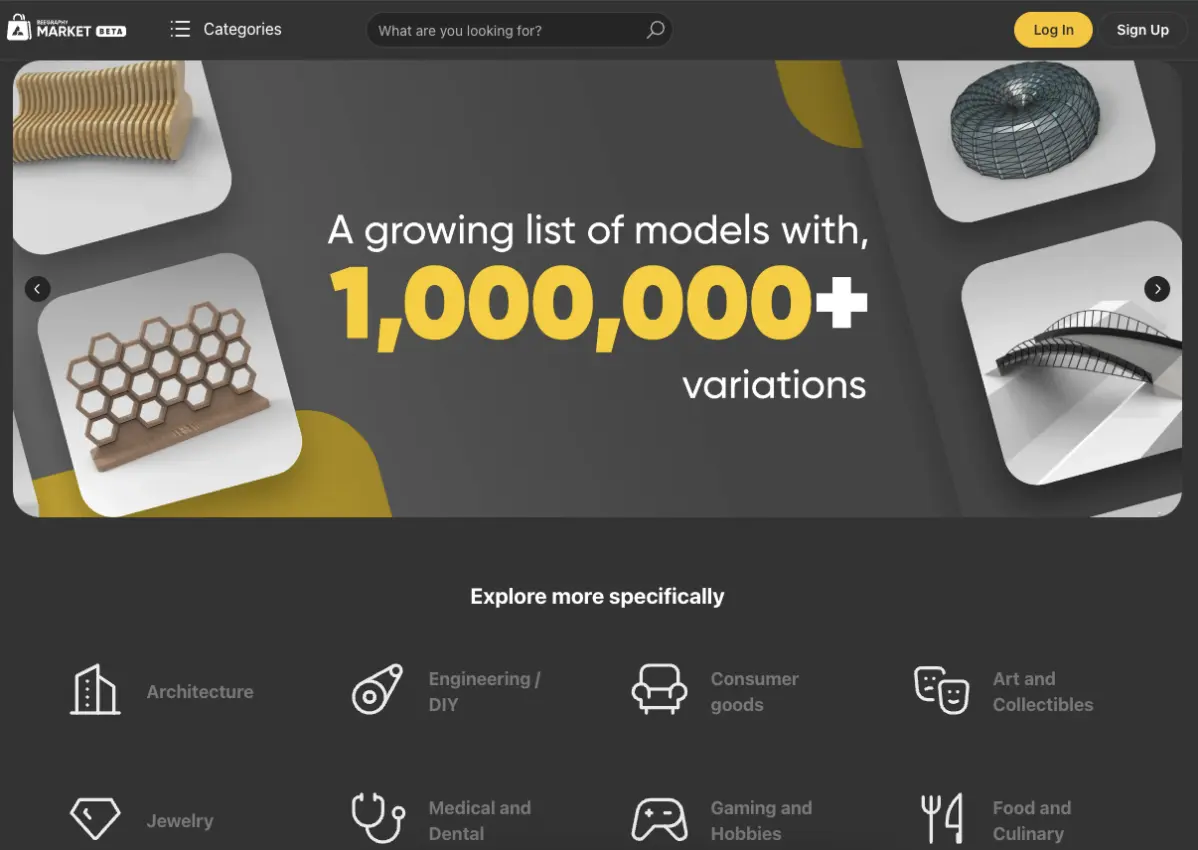
In the Market (2) section, you’ll discover the models published on the platform, categorized into sections.
The Blog(3) section contains the latest platform news and other parametric modeling materials.

In the FAQ (4) section, you’ll find answers to frequently asked questions, helping you resolve queries promptly.

Let’s proceed by registering on the Fabrikod platform. To access the registration page, click on the Sign Up (6) button. If you’re already registered, click Log In (5) to sign in.